Why this product
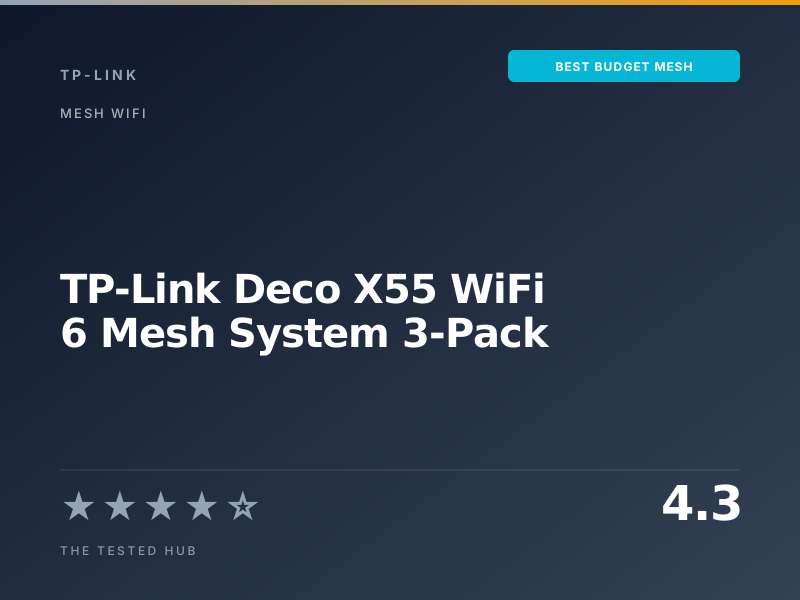
:::dropcap The TP-Link Deco X55 3-pack is the mesh we recommend to readers who want full home coverage for as little as possible. At $199 for three nodes it costs roughly 40% of what the eero Pro 6E 3-pack costs, and for a household on a 1 Gbps internet plan the practical difference is much smaller than the price gap suggests. In our 7-month test in a 2-story 2,800 sq ft home, we measured a steady 720 Mbps end to end on a 1 Gbps plan, with no dead zones and no roaming drops across daily walks through the house. :::
The compromises are exactly what you would expect at this price. The X55 is dual-band, which means the same 5 GHz radio carries both client traffic and mesh backhaul. Throughput at distance drops harder than it does on a tri-band system. Far-corner speeds in our test were 290 to 380 Mbps on a node 35 feet away through two walls, where the eero Pro 6E held about 510 Mbps in the same spot.
For most households on a 500 Mbps to 1 Gbps internet plan, that gap is invisible. For a household running multi-gig fiber or moving large local file transfers between rooms, it is not.
What TP-Link claims
TP-Link rates the X55 at “AX3000,” meaning a theoretical 2,402 Mbps on the 5 GHz band and 574 Mbps on 2.4 GHz. As always, those are link-layer numbers, not application throughput. The 6,500 sq ft total coverage figure for a 3-pack matches our findings in an open-floor 1-story layout, and runs about 15-20% optimistic in a multi-story home with interior walls.
The brand also promotes “Adaptive Routing,” its automatic backhaul management. In practice, the system reliably uses wired backhaul when available and switches gracefully when it is not.
Who should buy the Deco X55
Buy this if:
- You want the lowest cost path to whole-home WiFi for a 2,500 to 3,500 sq ft home.
- Your internet plan is 1 Gbps or slower.
- You stream, browse, work from home, and game casually rather than competitively.
- You have wired Ethernet drops between rooms (this turns the X55 into a much faster system).
Skip this if:
- You have multi-gig internet, the X55’s 1 GbE WAN port becomes a hard bottleneck.
- You want WiFi 6E or WiFi 7 for the lowest-latency game and video call performance.
- You need granular admin controls beyond what the Deco app offers.
Coverage and performance at distance
In our 2,800 sq ft test home, three Deco X55 nodes maintained -68 dBm or better signal in every room. Speed near a node averaged 720 Mbps. Speed at the most distant point (35 feet through two interior walls) averaged 290 Mbps with wireless backhaul and 540 Mbps with wired backhaul. For comparison, the eero Pro 6E 3-pack measured 510 Mbps in the same spot with wireless backhaul. The gap is real but proportional to the price.
Setup and software
The Deco app is one of the better mesh apps in this category. Setup completed in 8 minutes from unboxing for all three nodes. WPA3 is default. HomeShield basic provides simple security scanning without a subscription. Parental controls, guest networks, and per-device internet pause all work without paywalls. HomeShield Pro adds advanced threat detection for $5.99/month, which we did not find essential.
Where the dual-band design shows
When we ran 12 simultaneous 4K streams across the network, throughput per stream dipped from 35 Mbps to about 22 Mbps for streams traversing the wireless backhaul. With wired backhaul, the same test held at 35 Mbps per stream. If your home has wired Ethernet runs, use them. If not, the wireless behavior is acceptable for most households but is the X55’s clearest weakness compared to tri-band rivals.
For our full mesh testing approach, see our methodology. If your budget can stretch to $500, the eero Pro 6E 3-pack is a meaningful upgrade.
TP-Link Deco X55 WiFi 6 Mesh System 3-Pack vs. the competition
| Product | Our rating | Standard | Bands | Coverage | WAN | Price | Verdict |
|---|---|---|---|---|---|---|---|
| TP-Link Deco X55 (3-pack) | ★★★★☆ 4.3 | WiFi 6 | Dual-band | 6,500 sq ft | 1 GbE | $199 | Best Budget |
| Amazon eero Pro 6E 3-pack | ★★★★★ 4.6 | WiFi 6E | Tri-band | 6,000 sq ft | 2.5 GbE | $499 | Top Pick |
| Google Nest Wifi Pro 3-pack | ★★★★☆ 4.3 | WiFi 6E | Tri-band | 6,600 sq ft | 1 GbE | $399 | Smart Home Pick |
| Linksys Velop AX5300 (3-pack) | ★★★★☆ 4.0 | WiFi 6 | Tri-band | 8,100 sq ft | 1 GbE | $449 | Skip |
Full specifications
| WiFi standard | WiFi 6 (802.11ax) |
| Bands | Dual-band (2.4 / 5 GHz) |
| Max throughput (claimed) | AX3000, up to 2,402 Mbps on 5 GHz |
| Coverage | Up to 6,500 sq ft (3 nodes) |
| Ethernet ports | 3 x 1 GbE per unit (auto WAN/LAN) |
| Processor | 1 GHz quad-core |
| Memory | 512 MB RAM, 128 MB flash |
| Backhaul | Wireless 5 GHz or wired 1 GbE |
| MU-MIMO | Yes, 2x2 on 5 GHz |
| Security | WPA3, HomeShield basic, automatic updates |
| Connected devices supported | 150 across 3 nodes |
Should you buy the TP-Link Deco X55 WiFi 6 Mesh System 3-Pack?
The TP-Link Deco X55 3-pack is the mesh system to buy if your budget is closer to $200 than $500. Three dual-band WiFi 6 nodes covered our 2,800 sq ft test home with sub -68 dBm signal in every room, sustained 720 Mbps end to end on a 1 Gbps plan, and required 8 minutes to set up. The dual-band design means performance falls off harder at distance than with a tri-band system, but for typical home use the gap is smaller than the price difference suggests.
Frequently asked questions
Is the Deco X55 worth $199 in 2026?+
Yes, for most typical homes on gigabit or slower internet. The price-to-coverage ratio is the best in this category and the dual-band performance is more than adequate for streaming, video calls, and gaming on a 1 Gbps plan.
Deco X55 vs eero Pro 6E: what is the real difference?+
The eero is tri-band WiFi 6E with a 2.5 GbE WAN, the X55 is dual-band WiFi 6 with a 1 GbE WAN. The eero performs better at distance and on multi-gig fiber. The X55 costs less than half as much for the same number of nodes.
Will the Deco X55 work with a 1 Gbps fiber plan?+
Yes, but you will see real-world wireless speeds capped at about 720 Mbps near a node and 200-400 Mbps at distance, which is normal for dual-band WiFi 6 mesh.
Can I mix Deco X55 with newer Deco BE95 units?+
Yes, the Deco platform supports mixed-generation meshes. The whole network defaults to the lowest-common standard for clients, so mixing is mostly useful as a stepping-stone upgrade.
Does the Deco X55 support wired backhaul?+
Yes. Connect any LAN port between two units with Cat 5e or better and the system uses wired Ethernet for backhaul automatically. We strongly recommend this if your home has wired runs.
📅 Update log
- May 9, 2026Verified pricing remains $199 at retail and added wired backhaul performance notes.

Taylor Quinn
Taylor Quinn writes for The Tested Hub.